Agent-guided local setup

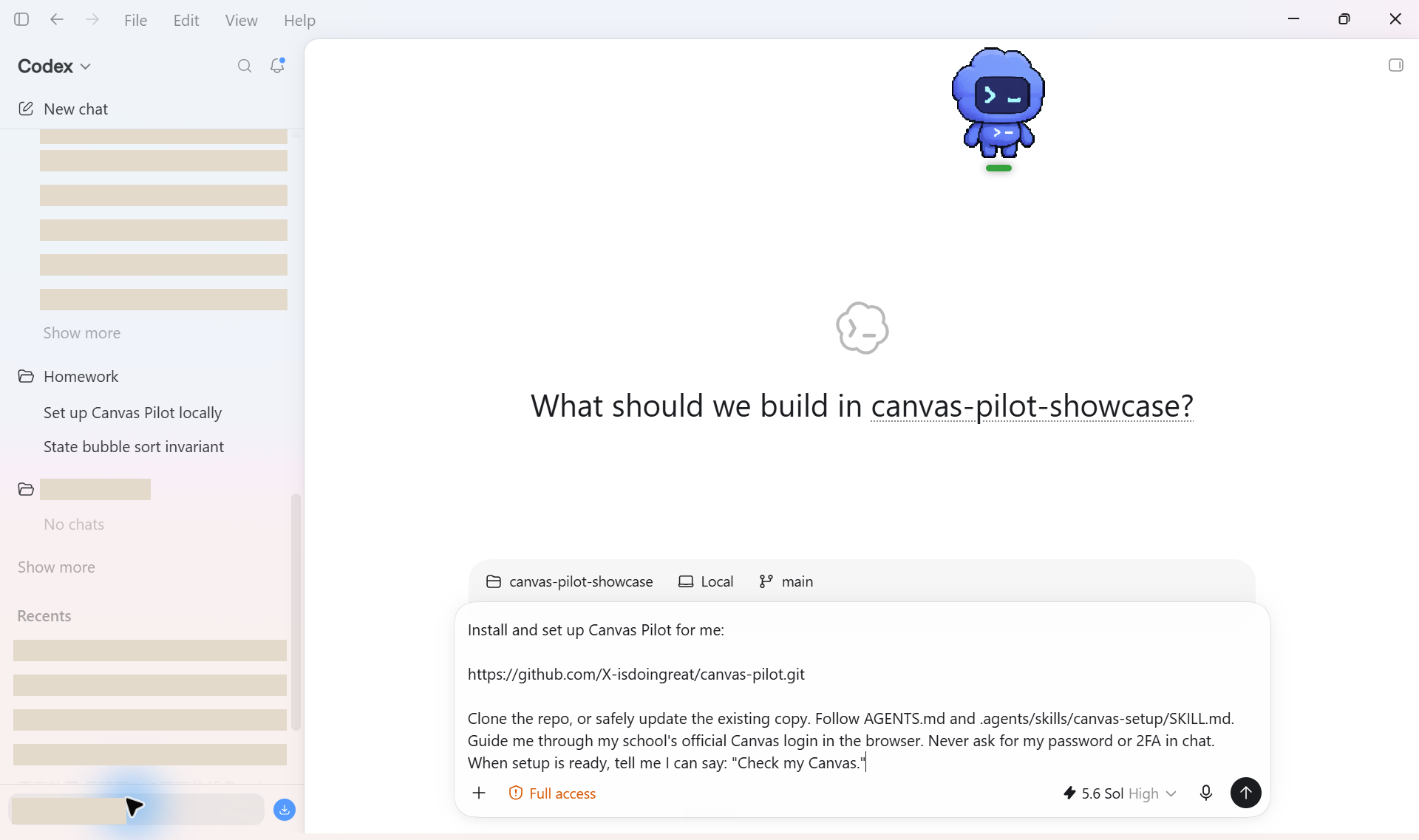
Paste one prompt. Set up Canvas Pilot locally.

Copy the setup brief into Codex or another local agent with shell and file access. It can clone the public repo, prepare the local runtime, and guide configuration. You still complete Canvas login, 2FA, course choices, and every approval decision.

Local agent requiredNot a browser-only chatbot.

Login stays with youEnter secrets only in the Canvas browser.

Setup stops before workNo assignment plan, execution, or submission.

canvas-pilot-setup.txt
Git + Python 3.11+ The agent checks local requirements before it changes anything.
SSO and 2FA stay human You complete authentication in Canvas, never inside the prompt.
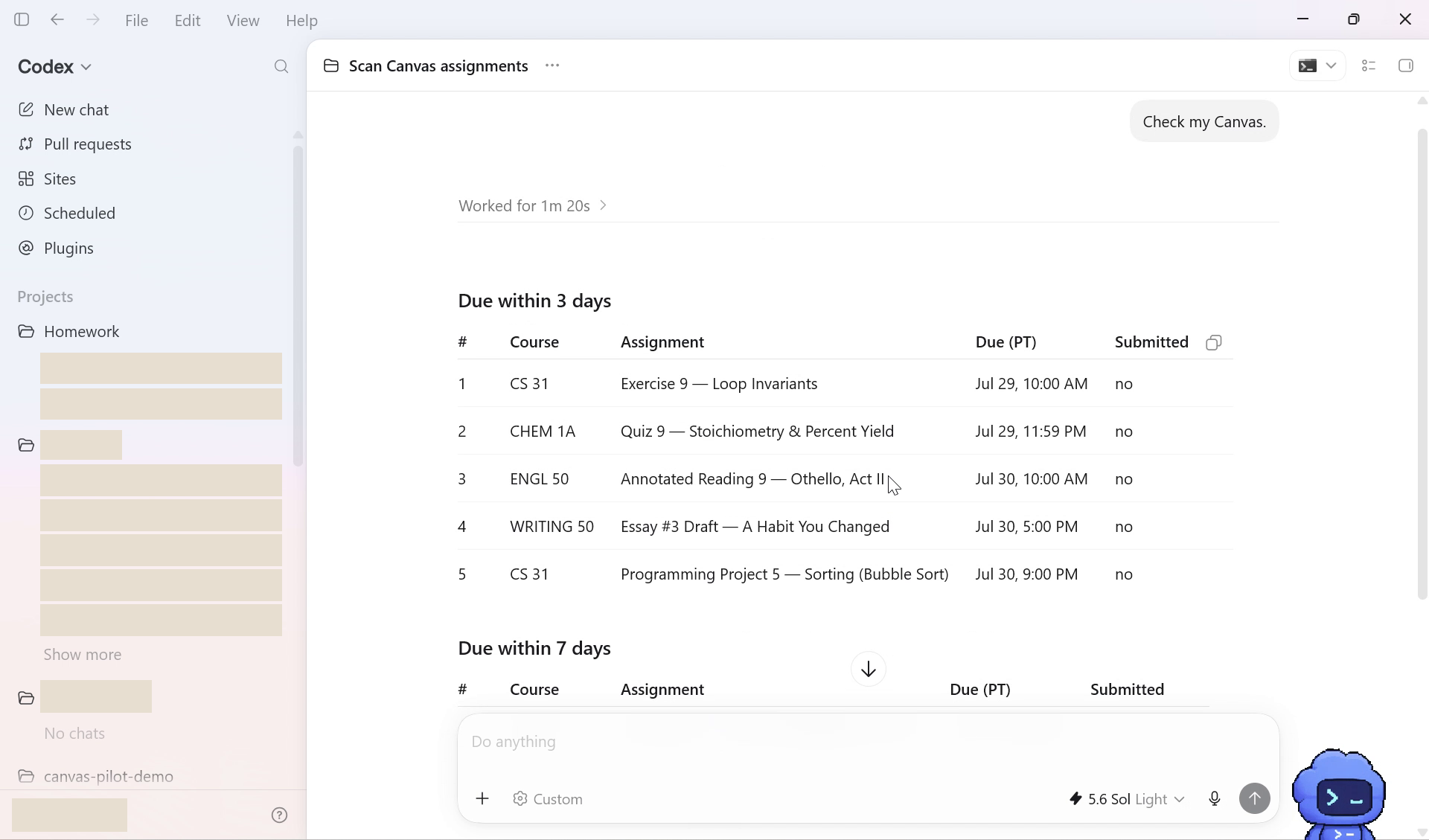
Draft-first after setup Future work still follows scan, approval, and execute.

What happens next

Three checkpoints, with you in the loop.

The prompt gives the agent a complete operating contract. It also tells the agent exactly where it must pause for your input.

01

Local preflight

The agent checks the machine, clones the canonical repo, and prepares an isolated runtime without making silent system changes.

02

Private browser login

Canvas Pilot opens Chromium. You enter SSO and 2FA there, then the agent removes saved username and password by default.

03

Course setup

You choose courses and recurring patterns. The agent verifies local routes, reports what is ready, and stops before scanning work.

Privacy boundary

Your Canvas context stays local.

Canvas Pilot is a local workflow, not a hosted account service. Course configuration, browser sessions, downloaded sources, drafts, and run state stay on the machine running the agent.

Keep secrets out of chat. Passwords and 2FA belong only in the Canvas browser. Session cookies are sensitive too, even when they never leave your computer.

Before you start

This is for local-agent users.

You need

  • Codex or a similar local agent with shell and file access.
  • Git and Python 3.11 or newer.
  • A desktop that can open an interactive Chromium window.
  • Your normal Canvas login and 2FA method.

This prompt does not authorize

  • Reading or executing pending assignments during setup.
  • Uploading or submitting Canvas work.
  • Publishing private course or credential data.
  • Committing, pushing, or deploying from the local clone.